
Control the tracker from anywhere
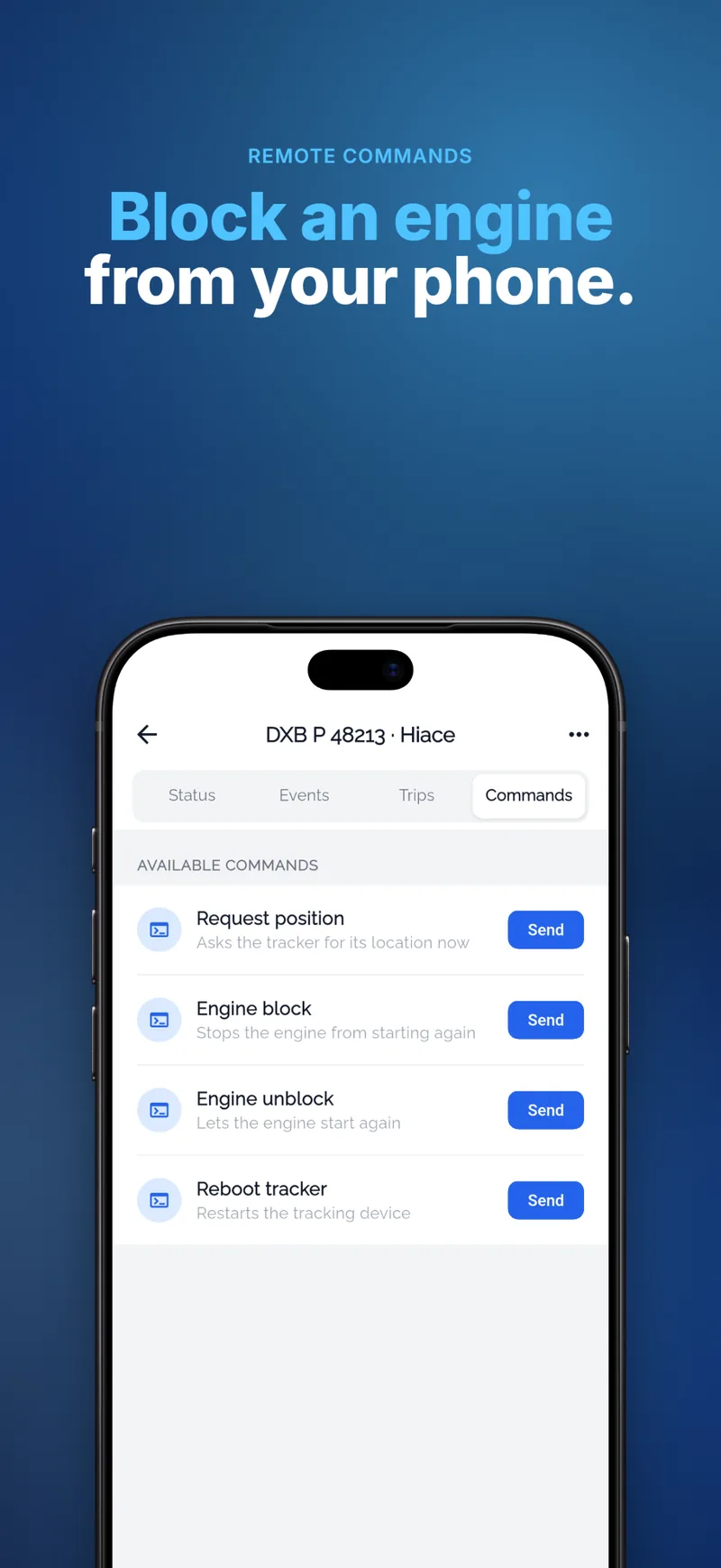
Send commands to the tracker from the platform or the app: block the engine of a stolen vehicle, switch an output, restart the device or change its settings — and read its answer.
Remote commands with gTrack
Engine block
Stop a stolen or misused vehicle remotely, with the right relay installed.
Outputs and settings
Switch outputs, change reporting intervals and other device parameters.
Terminal
Send any command the device supports and see the response.
Permissions
Only the users you allow can send commands.
Safely, with control
Commands go only to the vehicles a user is allowed to see, and every command and answer is kept, so you always know who did what.
- Command templates per device type
- Answers shown in real time
- Also from the mobile app
Questions and answers
Is blocking the engine safe?
The block works through a relay installed by a professional, and should be used when the vehicle is stopped or slow, following the device maker’s guidance.
Which commands are available?
It depends on the tracker model; gTrack shows the commands each device type supports.
Related
Ready to see your fleet live?
Tell us about your vehicles and we send you an offer — or create an account and connect your first tracker today.